What are library databases?
Library databases contain resources for the following patron groups: 
- General public.
- Occupational groups.
- Students of all levels.
- Researchers.

Broad categories of database resources may include:
- Consumer focused resources
- Trade/Industry/Occupational focused resources
- Academic/Occupational/Research focused resources
Format of database resources may include:
- HTML (web pages/sites)
- PDF (Adobe Acrobat documents)
- JPG, GIF (images)
Types of database resources may include:
|
|
Vendors create the databases by collating journals from various publishers A vendor is the publisher of the database, but not the journals contained within the database.
A publisher is the organization which publishes the journals. Here are some examples:
- Commericial publishers
- Associations
- Governments, etc.
into one single product/database, such as:
• Academic Search Complete.
• CBCA.
• GreenFile database.
Most of these databases are licensed (publisher produced), which means the library has to pay the database vendor for access to them. Access to non-licensed databases is referred to as Open Access which means that the library does not have to pay for access.
A vendor is the publisher of the database, but not the journals contained within the database.A publisher is the organization which publishes the journals. Here are some examples:
- Commericial publishers
- Associations
- Governments, etc.
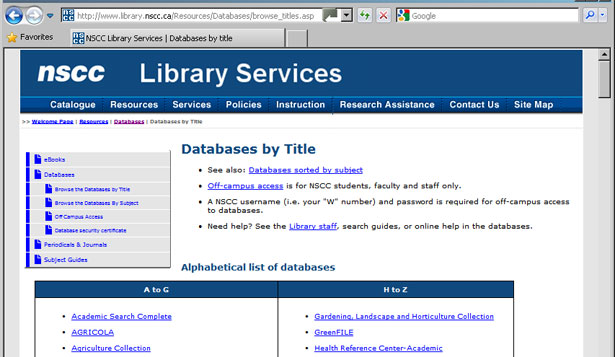
The non-licensed, free access databases are circled in red in the image shown.

To demonstrate we will use one of the databases
NSCC Library Services subscribes to called “Academic Search Complete”.
The vendor for the Academic Search Complete database is Ebsco Host. The database is a licensed library product, which means that the Library Services has to pay for patron access to this database. Because it is a licensed product by, in this example NSCC Library Services, only faculty, staff, and students of NSCC may access these resources.
The image below shows the Basic Search page in the Academic Search Complete Database.
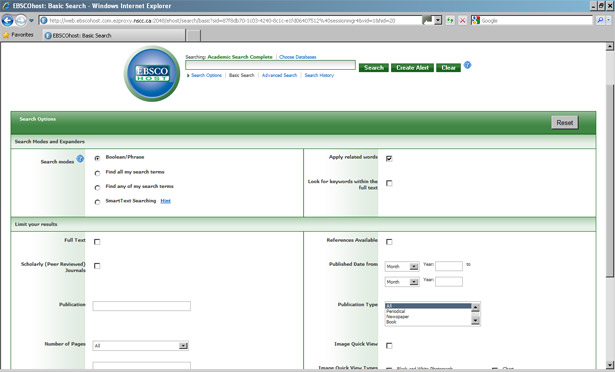
The image below displays the Advanced Search page. Note the article results retrieved as a result of a search using the search term “women authors” in the subject field.
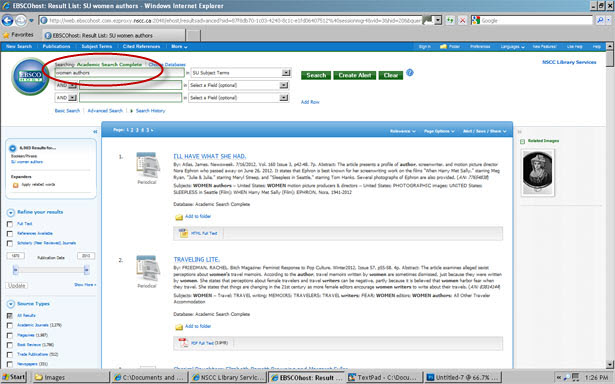
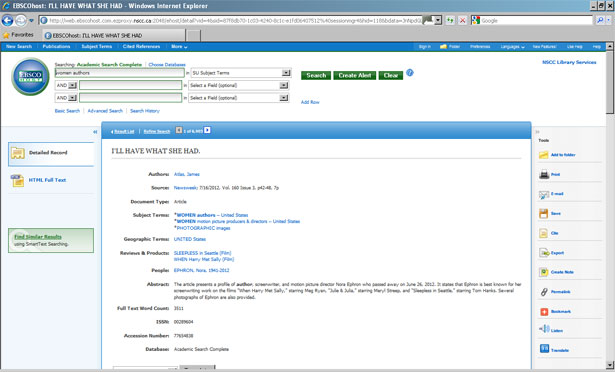
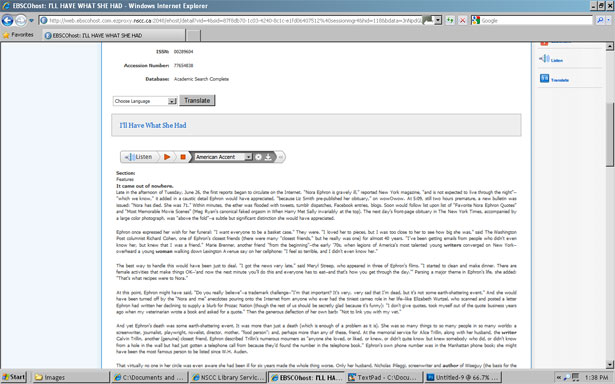
Clicking on one of the titles in the results list will link you to more detailed information about the article, the article itself, and other choices. You can even listen to the article if you like. In our example, the user chose the first title listed in the search reuslts, “I’ll Have What She Had”.